NRS E-Invoicing Requirements for Companies With Multiple Branches (2026 Guide)
Learn how Nigerian companies with multiple branches can comply with NRS e-invoicing requirements.
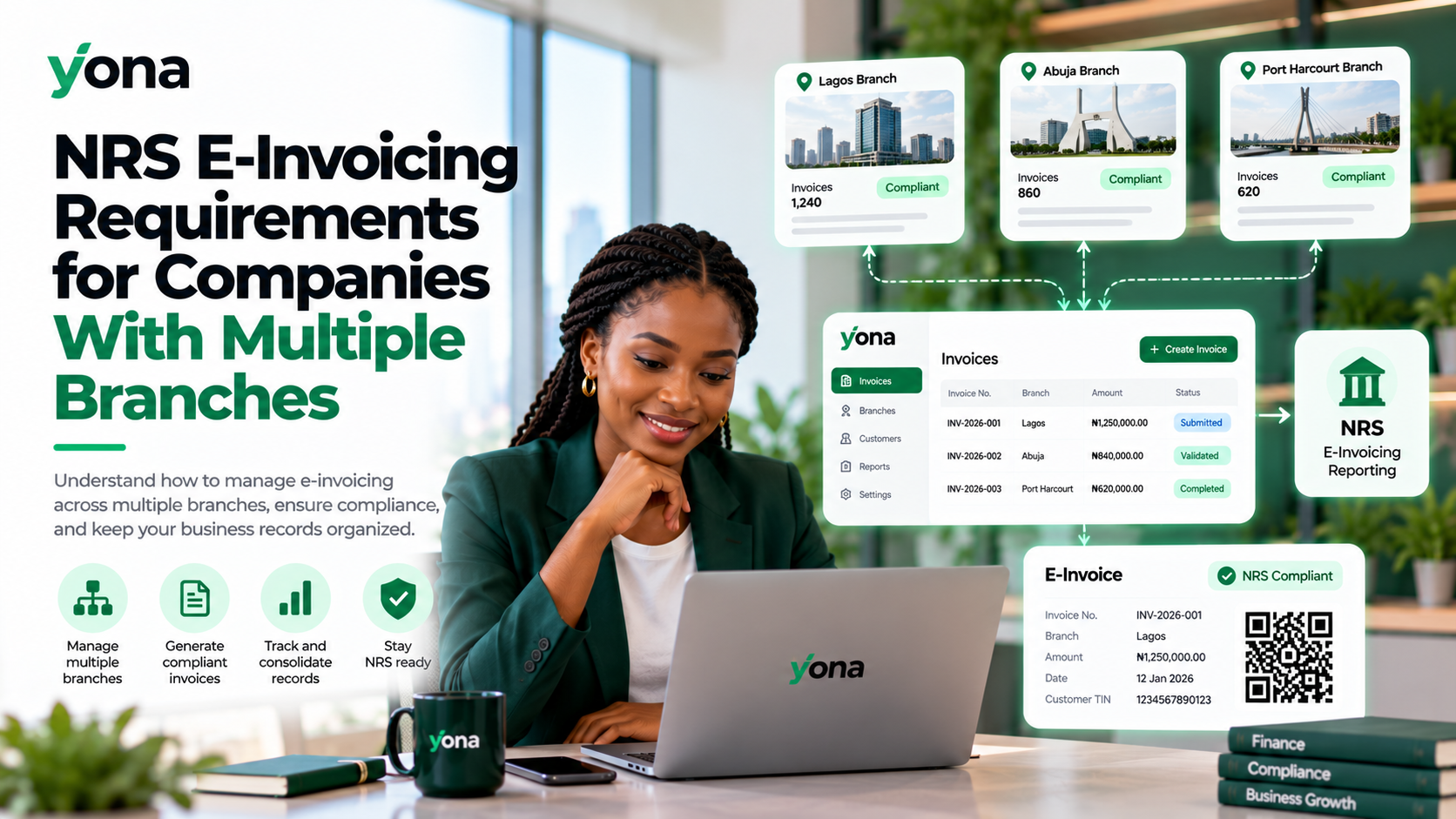
Managing invoices across multiple business locations can be challenging, especially when every branch generates its own sales and financial records.
With Nigeria's NRS e-invoicing requirements, companies operating several branches need a reliable way to issue compliant electronic invoices, track transactions, and maintain consistent reporting.
Whether your company operates retail outlets, warehouses, offices, or regional branches, here's what you need to know.
How Does NRS E-Invoicing Work for Multiple Branches?
The Nigeria Revenue Service (NRS) e-invoicing system enables businesses to generate, validate, and report structured electronic invoices.
Companies with several branches can manage their invoicing activities under a coordinated business structure.
Nigeria's electronic invoicing guidelines allow businesses with multiple branches to create sub-users under their business accounts.
However, branches belonging to separate registered legal entities may require separate taxpayer registrations and configurations.
Key NRS E-Invoicing Requirements for Multiple Branches
1. Valid Business Registration and Tax Identification
Ensure your company's registered business information and Tax ID are accurate.
Where branches belong to the same legal entity, their invoicing arrangements should reflect that relationship.
Separately registered companies should use their respective taxpayer identities.
2. Proper Invoice Identification
Each branch must generate invoices containing the required transaction information.
Invoices should include:
- Supplier and buyer information.
- Applicable Tax Identification Numbers.
- Unique invoice references.
- Goods or services supplied.
- Transaction amounts and applicable taxes.
- Required NRS validation information.
Companies should also maintain a clear way to identify which branch originated each transaction.
3. Centralized Invoice Reporting
Businesses should establish processes to ensure invoices from every branch are properly submitted and tracked.
A centralized reporting workflow can help finance teams monitor invoice activity across multiple locations and identify missing or failed submissions.
4. Integration With Existing Business Systems
Companies using different POS, accounting, or ERP systems across branches may benefit from API integration.
This allows invoice data to flow automatically into an electronic invoicing system rather than requiring manual entry at each location.
5. Accurate Records and Access Controls
Each branch should maintain accurate transaction records while the company's finance team retains appropriate visibility.
Use role-based access, approval controls, and regular reconciliation to reduce errors and unauthorized changes.
How to Manage Multi-Branch E-Invoicing With Yona
Yona, powered by Elyonar LTD, provides electronic invoicing and API integration solutions for Nigerian businesses.
For organizations operating multiple branches, Yona can serve as part of a centralized invoicing workflow.
A typical setup involves:
Step 1: Register your business
Create your Yona account and complete the required business onboarding.
Step 2: Connect to the NRS
Authorize Elyonar LTD as your Access Point Provider and complete the connection requirements.
Step 3: Connect branch invoicing systems
Use Yona's integration capabilities to connect compatible POS, ERP, or accounting applications.
Step 4: Automate invoice submission
Configure your workflow to validate and submit invoices through the NRS e-invoicing network.
Step 5: Monitor and reconcile transactions
Track invoice processing, maintain branch identifiers, and reconcile records with your central finance system.
The exact setup depends on your existing software and whether your branches operate under one or multiple legal entities.
Benefits of Centralized E-Invoicing for Multiple Branches
A coordinated e-invoicing solution offers several benefits:
- Improved compliance: Standardize invoicing procedures across business locations.
- Reduced manual work: Automate invoice processing and reporting.
- Better visibility: Monitor transactions across multiple branches.
- Fewer errors: Use consistent validation and data requirements.
- Easier reconciliation: Connect branch records with central accounting systems.
- Scalability: Support additional locations as your business expands.
Frequently Asked Questions
Does every branch need a separate NRS e-invoicing account?
Not necessarily. The national e-invoicing guidelines permit sub-users for branches of the same business. Separately registered legal entities may require individual configurations.
Can multiple branches use one e-invoicing provider?
Yes. A company can coordinate its branches through one provider, provided the arrangement supports the applicable taxpayer identities and reporting requirements.
Can existing POS systems connect to NRS e-invoicing?
Yes. Compatible POS and accounting systems can be connected through appropriate API integrations.
Can Yona support businesses with multiple branches?
Yona offers API integrations and enterprise implementation services that can support centralized invoice processing. Confirm specific multi-branch user permissions and reporting requirements with the Yona team before deployment.
Simplify Multi-Branch E-Invoicing With Yona
Managing electronic invoices across multiple locations doesn't have to mean managing disconnected systems.
With Yona, businesses can explore automated invoice processing, ERP integrations, and centralized NRS reporting workflows.
Whether your company operates three branches or hundreds of locations, the right integration can make invoicing more efficient and easier to manage.
Ready to streamline your company's e-invoicing?
Visit useyona.com to explore Yona's e-invoicing and enterprise integration solutions.