How to Find a Licensed E-Invoicing Access Point Provider in Nigeria
Learn how to find and verify NITDA-accredited providers in Nigeria, compare their services, and choose the right solution for NRS e-invoicing compliance.
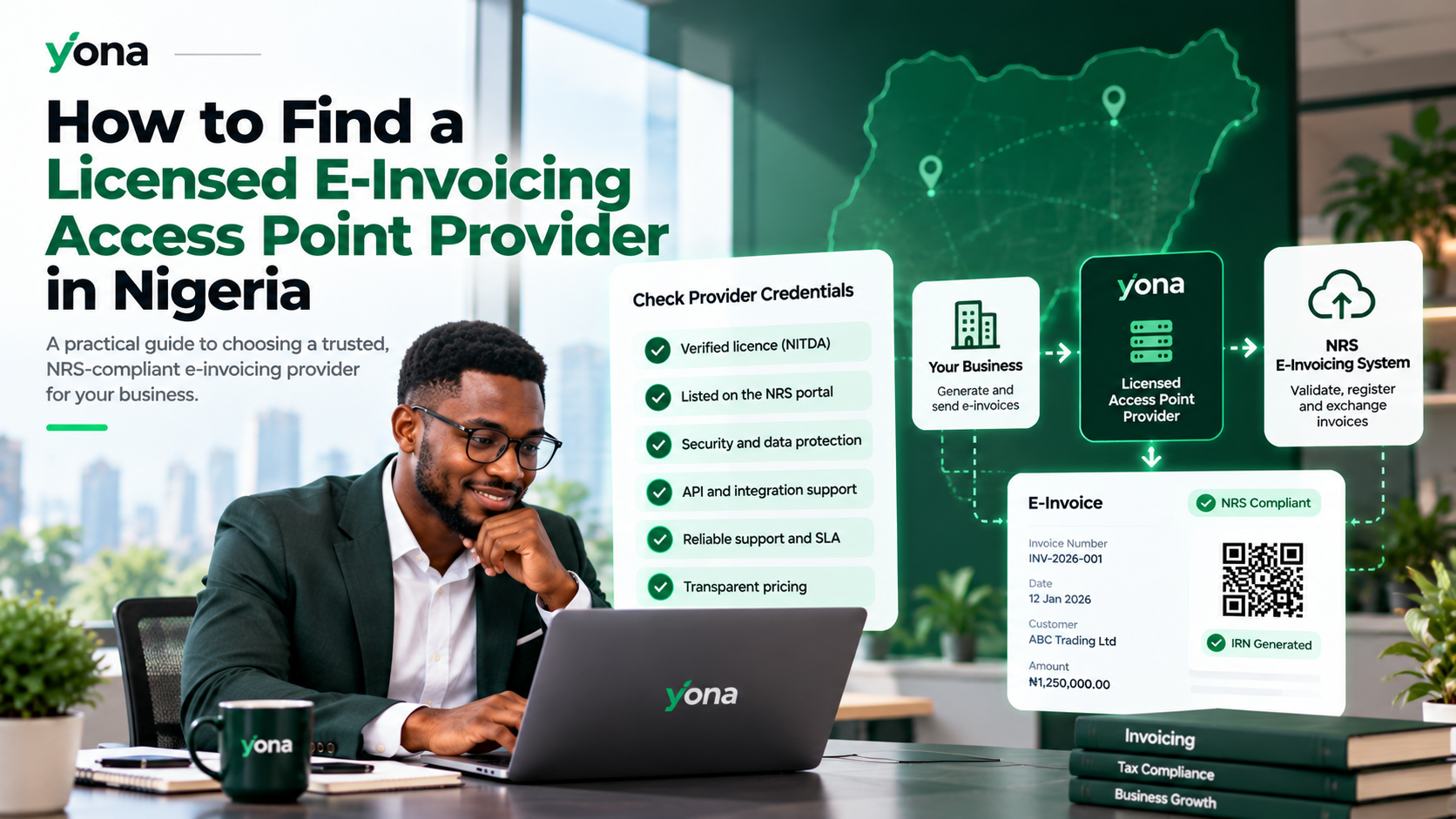
As Nigeria implements electronic invoicing, businesses need reliable solutions to connect with the Nigeria Revenue Service (NRS) e-invoicing system.
One important step is choosing a licensed Access Point Provider (APP) to securely transmit and receive electronic invoices.
But how do you find a licensed provider, verify its credentials, and choose the right one for your business?
Here's what you need to know.
What Is an E-Invoicing Access Point Provider?
An Access Point Provider (APP) is an accredited service provider that connects businesses to the NRS e-invoicing network.
APPs help businesses securely exchange electronic invoices, validate invoice information, and transmit transaction data according to NRS requirements.
In Nigeria, Access Point Providers must obtain accreditation from the National Information Technology Development Agency (NITDA).
Using an accredited provider helps businesses establish a secure and compliant e-invoicing connection.
How to Find a Licensed Access Point Provider in Nigeria
Step 1: Visit the Official NRS E-Invoicing Portal
Start by visiting the official NRS E-Invoicing Portal.
The portal provides information about authorized service providers and the requirements for connecting businesses to the e-invoicing network.
You can also consult the official MBS Service Provider Directory.
Step 2: Verify the Provider's NITDA Accreditation
Before choosing a provider, confirm that the company holds valid NITDA accreditation.
Check the company's:
- Registered business name.
- NITDA accreditation or licence number.
- Current accreditation status.
- Authorization to operate as an Access Point Provider.
Do not rely solely on a provider's marketing claims. Verify its credentials through official records or the relevant authority.
Step 3: Compare Features and Integration Options
Not every e-invoicing provider offers the same services.
Look for features such as:
- NRS-compliant invoice generation.
- Automated invoice validation and submission.
- Invoice Reference Number (IRN) and QR-code support.
- Accounting and ERP integrations.
- Secure invoice transmission.
- Invoice tracking and reporting.
- Reliable technical support.
Choose a provider that fits your business size, transaction volume, and existing software.
Step 4: Evaluate Pricing and Ease of Use
Before making a decision, compare pricing, onboarding requirements, and available support.
Small businesses may prefer a ready-made invoicing platform, while larger organizations may require API integrations or custom ERP connections.
A good provider should make compliance easier without introducing unnecessary complexity.
Is Yona a Licensed E-Invoicing Solution?
Yona is an electronic invoicing platform operated by Elyonar LTD, a NITDA-licensed Access Point Provider and System Integrator.
Elyonar LTD publishes its Access Point Provider licence number as NITDA/2026/A3HXS0.
Through Yona, businesses can:
- Generate and submit NRS-compliant electronic invoices.
- Automate invoice processing and reporting.
- Manage invoice records from one platform.
- Connect existing accounting and ERP software through APIs.
- Test invoicing workflows before going live.
Yona is designed for businesses that want a straightforward way to manage NRS e-invoicing without developing their own software.
How to Select Elyonar LTD as Your Access Point Provider
Once you've registered with Yona, you can connect your business through the NRS portal.
- Log in to your NRS e-invoicing account.
- Navigate to My Account → Access Points.
- Find ELYONAR LTD in the provider list.
- Enable Elyonar LTD as your default Access Point Provider.
- Retrieve your Business ID, Service ID, and cryptographic key.
- Return to Yona to complete the connection.
Follow the instructions for the correct sandbox or production environment.
For detailed guidance, visit the Yona Access Point Setup Guide.
Frequently Asked Questions
Who licenses e-invoicing Access Point Providers in Nigeria?
The National Information Technology Development Agency (NITDA) accredits Access Point Providers under Nigeria's electronic invoicing regulatory framework.
Can I change my Access Point Provider?
Yes. Businesses can change their selected provider, subject to the applicable NRS procedures and technical requirements.
Do I need an Access Point Provider if I already use accounting software?
Your accounting software may still require connectivity to the NRS network through an appropriate integration or service-provider arrangement. The NRS also supports direct fiscalization reporting for eligible self-integrating taxpayers.
How do I verify that an Access Point Provider is legitimate?
Check the official NRS or MBS service-provider directory and confirm the provider's accreditation details with NITDA where necessary.
Get Started With Yona
Choosing the right Access Point Provider is an important part of preparing your business for NRS e-invoicing.
With Yona, you can create electronic invoices, automate reporting, and integrate your existing business systems through a platform built for Nigerian businesses.
Ready to simplify NRS e-invoicing?
Visit Yona to create your account and get started today.