How to Connect Your Business to the NRS E-Invoicing System
Learn how to connect your business to Nigeria's NRS e-invoicing system in a few simple steps.
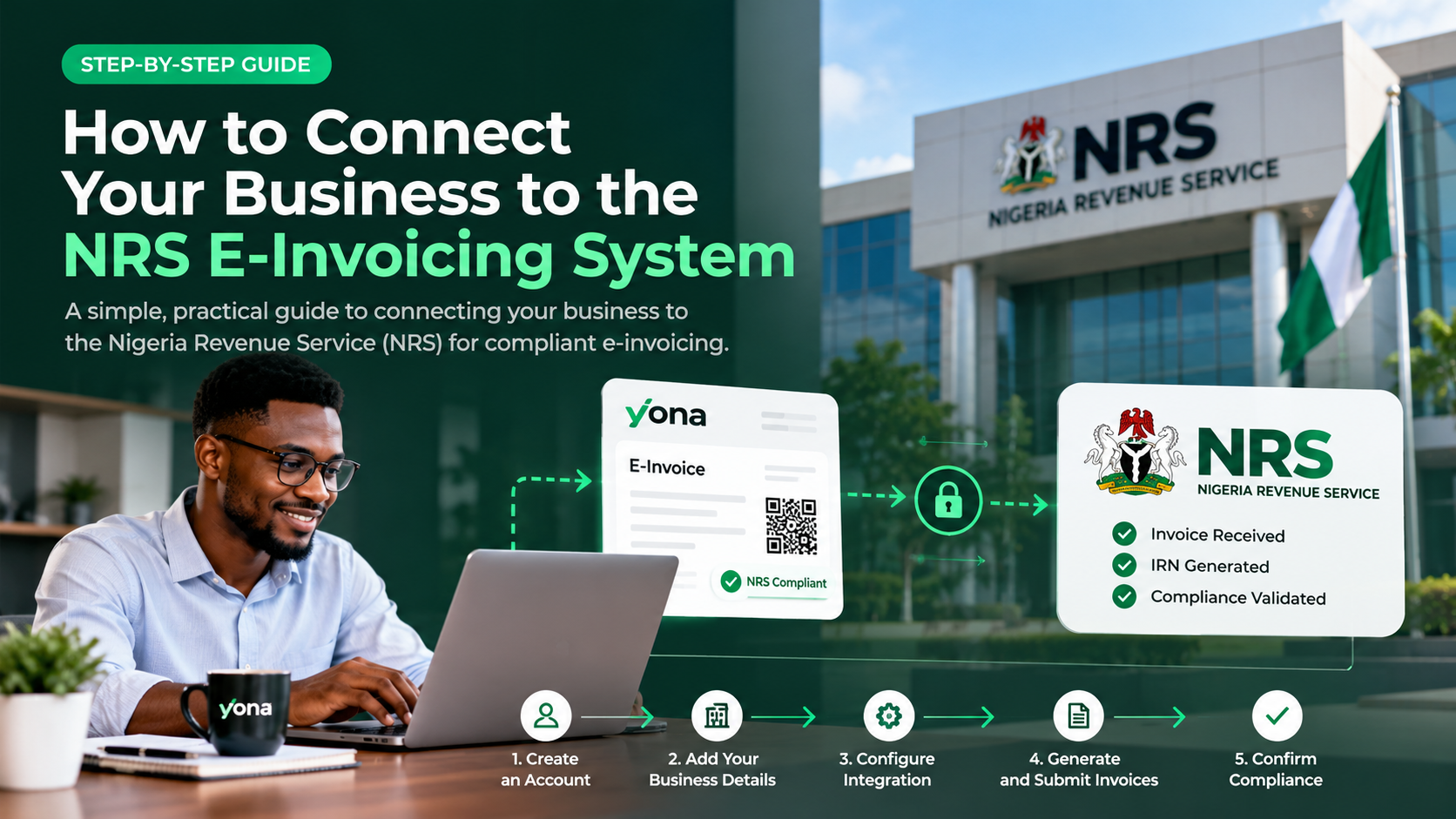
How to Connect Your Business to the NRS E-Invoicing System
Nigeria's e-invoicing system is changing how businesses issue invoices and report transactions to the Nigeria Revenue Service (NRS).
For businesses preparing to comply with NRS e-invoicing requirements, getting connected is an important first step.
Fortunately, you don't need to build complicated software or replace your existing accounting system. With a platform like Yona, connecting your business can be straightforward.
What Is NRS E-Invoicing?
NRS e-invoicing is a digital system that enables businesses to generate, validate, and report electronic invoices in accordance with Nigeria's tax requirements.
Unlike regular PDF or paper invoices, compliant electronic invoices contain structured transaction information and identifiers such as an Invoice Reference Number (IRN) and QR code.
How to Connect Your Business in 5 Steps
Step 1: Create Your Yona Account
Visit useyona.com and create an account for your business.
Provide your registered business details and Tax Identification Number (TIN) to get started.
Step 2: Access the NRS E-Invoicing Portal
Log in to your business account on the official NRS e-invoicing portal.
Ensure your business registration information is accurate and that your account is ready for e-invoicing.
Step 3: Select Your Access Point Provider
An Access Point Provider (APP) connects your business to the NRS e-invoicing network.
On the NRS portal, navigate to your Access Point settings and select ELYONAR LTD, the licensed Access Point Provider behind Yona.
Step 4: Connect Your Business to Yona
From the NRS portal, obtain your Business ID, Service ID, and required cryptographic key.
Return to Yona and enter the information to complete your connection.
Keep your cryptographic key secure and ensure you're using the correct testing or production environment.
Step 5: Generate Your First E-Invoice
Once connected, you can begin creating electronic invoices through Yona.
Enter your customer's information, invoice items, amounts, and applicable taxes.
Yona helps validate and submit your invoices through the NRS e-invoicing network. You can track their processing status and obtain the required invoice identifiers following successful registration.
Why Connect Through Yona?
Yona simplifies NRS e-invoicing for Nigerian businesses by providing:
- Easy onboarding: Connect without building your own software.
- Compliant invoicing: Generate and submit NRS-compliant electronic invoices.
- Automated processing: Reduce manual invoice reporting.
- API integrations: Connect existing accounting and ERP systems.
- Invoice management: Track and manage electronic invoices in one place.
Whether you run a small business or manage an enterprise, Yona provides tools to make e-invoicing easier.
Get Started With NRS E-Invoicing Today
Connecting to NRS e-invoicing doesn't have to be complicated.
With Yona, you can set up your business, connect through a licensed Access Point Provider, and start managing compliant electronic invoices from one platform.
Ready to get connected?
Visit useyona.com to create your Yona account and get started with NRS e-invoicing.