How to Build an Automated NRS E-Invoicing Workflow Using APIs
Discover how to connect your accounting software or ERP to the NRS e-invoicing system, and streamline tax compliance with Yona.
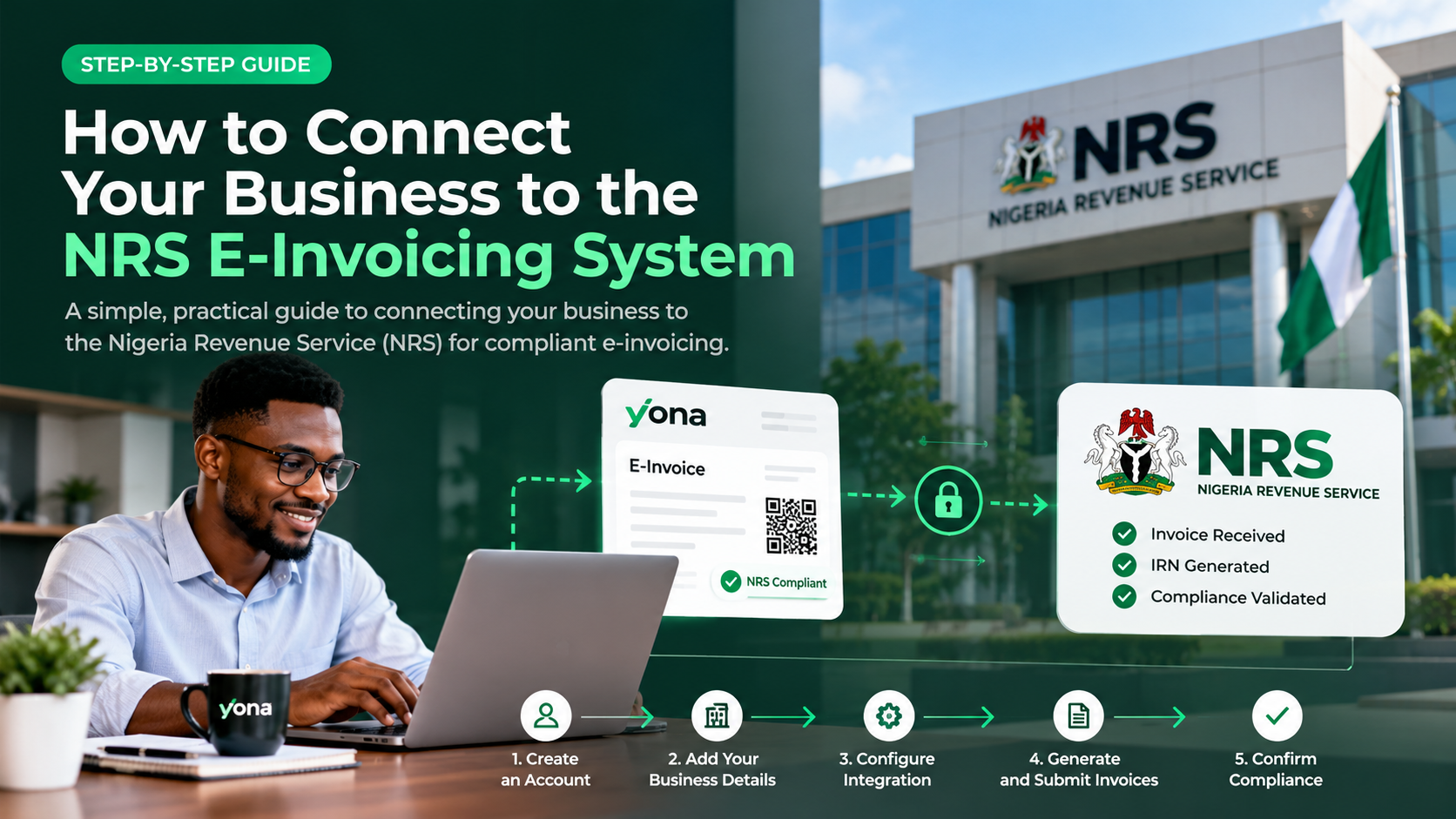
How to Build an Automated E-Invoicing Workflow Using APIs
Managing invoices manually can be time-consuming, especially for businesses processing hundreds or thousands of transactions daily.
With Nigeria's NRS e-invoicing requirements, businesses need efficient ways to generate, validate, and submit electronic invoices while maintaining accurate records.
API-based e-invoicing automation allows businesses to connect their existing accounting software, ERP, or billing systems directly to an e-invoicing platform, reducing manual work and simplifying compliance.
Here's how to build an automated e-invoicing workflow using APIs.
What Is E-Invoicing API Integration?
An e-invoicing API (Application Programming Interface) enables different software systems to exchange invoice information automatically.
Instead of manually entering invoice details into a separate platform, your existing software can communicate with an e-invoicing provider.
For example, when a sales invoice is created in your ERP, an API integration can automatically:
- Retrieve the invoice information.
- Validate required invoice fields.
- Submit the invoice for NRS processing.
- Retrieve the Invoice Reference Number (IRN) and QR code when available.
- Update the invoice status in your accounting system.
This creates a connected invoicing process with minimal manual intervention.
How to Automate E-Invoicing in 5 Steps
Step 1: Choose an E-Invoicing API Provider
Start by selecting a provider that supports Nigeria's NRS e-invoicing requirements.
Look for a solution that offers secure API access, clear documentation, a testing environment, and reliable invoice status tracking.
Yona, powered by Elyonar LTD, provides e-invoicing API integration options for businesses and developers.
Step 2: Connect Your Accounting Software or ERP
Integrate your existing accounting or billing system with your chosen e-invoicing API.
This may include software such as SAP, Microsoft Dynamics 365, Odoo, or a custom-built ERP.
Map important invoice fields, including customer information, TIN, invoice items, tax amounts, and transaction totals.
The goal is to transfer accurate invoice data automatically without entering it twice.
Step 3: Automate Invoice Validation
Before submitting invoices, configure automated checks to identify missing or incorrect information.
These checks may include:
- Required supplier and buyer details.
- Valid invoice dates and identifiers.
- Correct tax calculations.
- Accurate transaction totals.
- Required NRS invoice fields.
Validating invoices before submission helps reduce errors and failed transactions.
Step 4: Automate Invoice Submission
Once an invoice passes validation, your application can submit it through the e-invoicing API.
The integration communicates with the provider, which handles the applicable NRS e-invoicing processes.
Your system should record the submission response and track whether the invoice is pending, accepted, or rejected.
For reliable automation, configure appropriate error handling and retry mechanisms to avoid duplicate submissions.
Step 5: Track Invoice Status Automatically
An automated workflow should not end when an invoice is submitted.
Use supported API status endpoints or webhooks to monitor invoice processing.
When an invoice is successfully registered, your application can store its IRN, QR code, and other relevant information.
If an invoice fails validation, the system can notify your finance team so the issue can be corrected.
Benefits of Automated E-Invoicing
Automating electronic invoicing offers several advantages:
1. Saves time: Eliminates repetitive manual invoice entry and submission.
2. Reduces errors: Automated validation helps identify missing or inconsistent information.
3. Supports compliance: Makes it easier to follow required electronic invoicing processes.
4. Improves visibility: Finance teams can monitor invoice statuses from their existing systems.
5. Scales with your business: API integrations can support growing transaction volumes without proportionally increasing manual work.
Why Use Yona for E-Invoicing API Integration?
Yona helps Nigerian businesses connect their existing software to the NRS e-invoicing system.
Through its API integration capabilities, businesses can automate invoice processing while continuing to use their preferred accounting or ERP software.
Yona supports businesses looking to:
- Integrate existing billing and accounting systems.
- Automate electronic invoice submissions.
- Manage NRS-compliant invoice workflows.
- Track invoice processing and validation.
- Reduce manual compliance tasks.
For businesses with more complex requirements, Elyonar LTD also provides system integration services.
Start Automating Your E-Invoicing With Yona
Building an automated e-invoicing workflow doesn't have to mean developing an entirely new invoicing system.
With the right API integration, your business can connect its existing software, automate invoice submissions, and manage electronic invoicing more efficiently.
Ready to automate your invoicing process?
Visit useyona.com to explore Yona's e-invoicing API solutions and discover how to connect your business to the NRS e-invoicing system.